Learn languages from games, videos, and websites.

Termy explains tricky words on your screen and helps you practice them.

Paused video scene with subtitles
Alt+X Cmd+Shift+X
No puedo seguir haciendo como si nada.
como si nada

actuar como si no hubiera pasado nada

as if nothing happened

Learn new words and phrases from what you already watch, read, and play.

Press one shortcut anywhere text appears on your desktop.
Termy explains the meaning in context and saves it for practice.

Alt+X Cmd+Shift+X

"The guild will turn a blind eye if we move before dawn."

turn a blind eye
turn a blind eye

choose to ignore something on purpose

hacer la vista gorda

Quick help now.
Full context when you review.

The on-screen explanation stays brief so you can keep going.
In Vocabulary, return to the original sentence, screenshot, and deeper details.

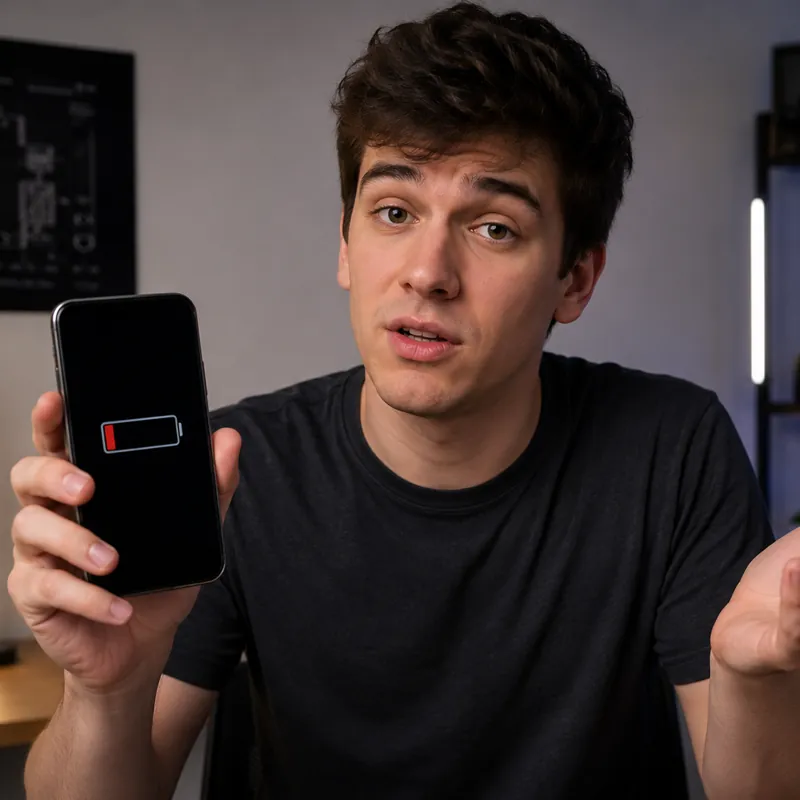
Man holding a phone with a nearly empty battery

And now my battery is drained

drained

completely used up or empty

Man holding a phone with a nearly empty battery Saved scene context

drained

In this subtitle, drained means out of power.

1 No power left

Completely out of electrical power.

2 Exhausted

Very tired or without energy.

3 Emptied

Liquid has been removed from something.

Practice with the context where you found it.

Termy turns saved words and phrases into adaptive exercises: context questions, fill-in-the-blank prompts, typing, listening, screenshot recall, and reviews timed to your memory.

Start free. Upgrade when Termy becomes part of your routine.

Free

$0

  • 20 lookups per day
  • Context-aware explanations
  • Saved vocabulary
  • No commitments
Download free

Monthly

$9.99/mo

  • Unlimited lookups
  • Translation mode
  • Unlimited vocabulary training
  • Export to Anki
Download free

Questions before installing?

Is Termy a screen translator?

Not quite. Screen translators don't give you a chance to think, understand, and actually learn the language — they just let you skip past the gaps in your knowledge. Termy, on the other hand, only steps in exactly where it's needed — at the hardest moments — so you keep thinking in the language you're learning and keep building your vocabulary. Words and phrases you've looked up in Termy can, and should, be revisited: recall the context they came from, learn other meanings and forms, listen to the pronunciation. Then reinforce them through practice using the FSRS method.

How does Termy training work?

Termy trains from the words and phrases you saved in real content. It keeps the original sentence, screenshot context, explanation, and translation connected, then uses adaptive timing plus varied exercises such as context questions, cloze prompts, typing, listening, and screenshot recall.

Does it work with games?

Yes. Termy is designed for desktop text on screen, including game dialogue and UI text. It works best for players who prefer the original language, deal with weak localization, or use games as native input.

Does Termy store my screenshots?

Termy does not store screenshots on our servers. When you save vocabulary, the useful screenshot context stays locally on your computer so you can revisit the scene, rebuild the association, and review it later.

What is the best way to use Termy?

Use it when you almost understand the content, but a few words or phrases block you. Get the missing meaning, continue the activity, and practice saved vocabulary later.

Turn your activities into language practice.